
How Geotagging Photos Boosts Your Local SEO Rankings
Geotagging photos strengthens local SEO by adding geographic signals to your business images. When photos carry GPS coordinates in their EXIF metadata, they provide search engines with location context that supports your listing’s relevance in local search results.
How Do Geotagged Photos Affect Local Search Rankings?
Geotagged photos add a geographic layer to your image content. Google processes EXIF metadata when images are uploaded to Google Business Profile. The GPS coordinates embedded in photos act as a supplementary location signal alongside your business name, address, phone number, and categories.
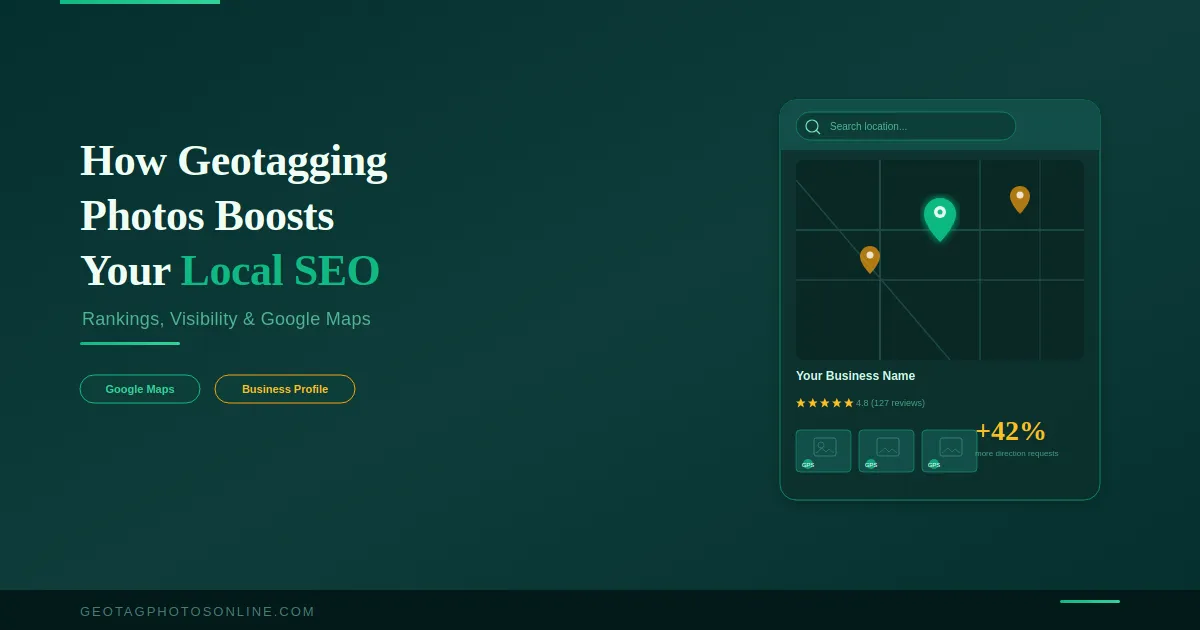
Google states that businesses with photos receive 42% more requests for directions and 35% more website clicks than those without. While this statistic reflects photo presence rather than geotagging specifically, it confirms that image optimization is a measurable ranking factor in local search.
The relationship between geotagging and rankings is nuanced. A 10-week study by Search Engine Land tested 27 business locations and found that geotagged images improved rankings for “near me” searches in the tagged locations. However, rankings for city-specific queries showed no improvement. This means geotagging works best as one part of a broader local SEO strategy, not as a standalone tactic.
What Role Do Photos Play in Google Business Profile?
Photos are a primary engagement driver on Google Business Profile. Google displays business images in the local pack, Knowledge Panel, Google Maps, and image search results. Each of these surfaces gives a business additional visibility to local searchers.
Google Business Profile supports multiple photo categories. These include exterior shots, interior images, product photos, team photos, and photos added through Google Posts. Each category serves a different purpose in communicating the business identity to both users and algorithms.
Google’s Vision AI scans uploaded photos to understand their content. A restaurant that uploads images of its dishes gives Google visual confirmation of its food offerings. A plumber who uploads photos of completed installations provides visual evidence of service delivery. This image-level analysis supports relevance signals independent of text content.
Should You Geotag Photos Before Uploading to Google Business Profile?
Yes. Geotagging photos before uploading to Google Business Profile is a recommended practice. Google strips EXIF metadata from images after processing them for public display, but the platform reads and stores the original metadata at the time of upload.
The geotagging process adds precise GPS coordinates to the photo’s EXIF header. When these coordinates match or closely relate to your business address, the image reinforces the location signal already present in your profile.
The most effective approach combines geotagging with other image optimization steps. Rename image files with descriptive, keyword-relevant names before uploading. Use original photos taken at your business location. Upload consistently, adding fresh images each month to signal ongoing business activity.
What Are the Best Practices for Local SEO Image Optimization?
Effective local SEO image optimization goes beyond geotagging alone. The complete image optimization process involves five actions.
Use original photos. Stock photos provide no unique value to your listing. Google’s AI can detect generic stock images. Original photos of your premises, products, and team build trust and provide authentic content.
Geotag every image. Embed your business GPS coordinates into each photo before uploading. Use an online geotagging tool to add coordinates in bulk.
Name files with keywords. Replace default camera file names like IMG_4582.jpg with descriptive names such as italian-restaurant-downtown-interior.jpg. This gives search engines additional text context.
Upload regularly. Google rewards active profiles. Adding new photos monthly signals that the business is operating and engaged. Profiles without recent updates lose visibility over time.
Cover all photo categories. Upload exterior photos for recognition, interior photos for atmosphere, product photos for offerings, and team photos for trust. Each category addresses a different user need and search intent.
Does Geotagging Work for Website Images Too?
Geotagging website images provides search engines with additional geographic context for your pages. When a local service page contains images with embedded GPS coordinates matching the service area, the page carries stronger location relevance.
Google’s image metadata documentation encourages adding relevant metadata to website images. This includes EXIF data, descriptive file names, and alt text with location references. The combination of these signals helps search engines associate specific pages with geographic areas.
For websites targeting multiple service areas, geotag images on each location page with the coordinates relevant to that area. This creates a page-level geographic signal that supports the text content and schema markup on the page.
How Often Should You Upload Geotagged Photos?
Upload geotagged photos to your Google Business Profile at least two to four times per month. Consistency matters more than volume. A steady upload schedule signals ongoing activity to Google’s algorithm.
Seasonal updates are particularly effective. Upload photos reflecting current seasons, new products, or recent projects. This keeps the profile current and gives returning visitors fresh content to engage with.
Geotagging photos is one component of a complete local SEO image strategy. It works best when combined with original photography, keyword-rich file names, consistent uploads, and full category coverage on your Google Business Profile. The businesses that rank highest locally are those that treat image optimization as an ongoing process, not a one-time task.
Geotag your business photos now — free, with bulk upload and no limits.